The Portfolio summary report
What it is for
This report brings together the key figures of your portfolio: its technical characteristics, its composition, the summary of its surveys.
It reads at three levels, from the broadest to the finest, each in its own tab:
| Level | What you find there |
|---|---|
| Portfolio | The whole of your portfolio, with filters to adjust the scope |
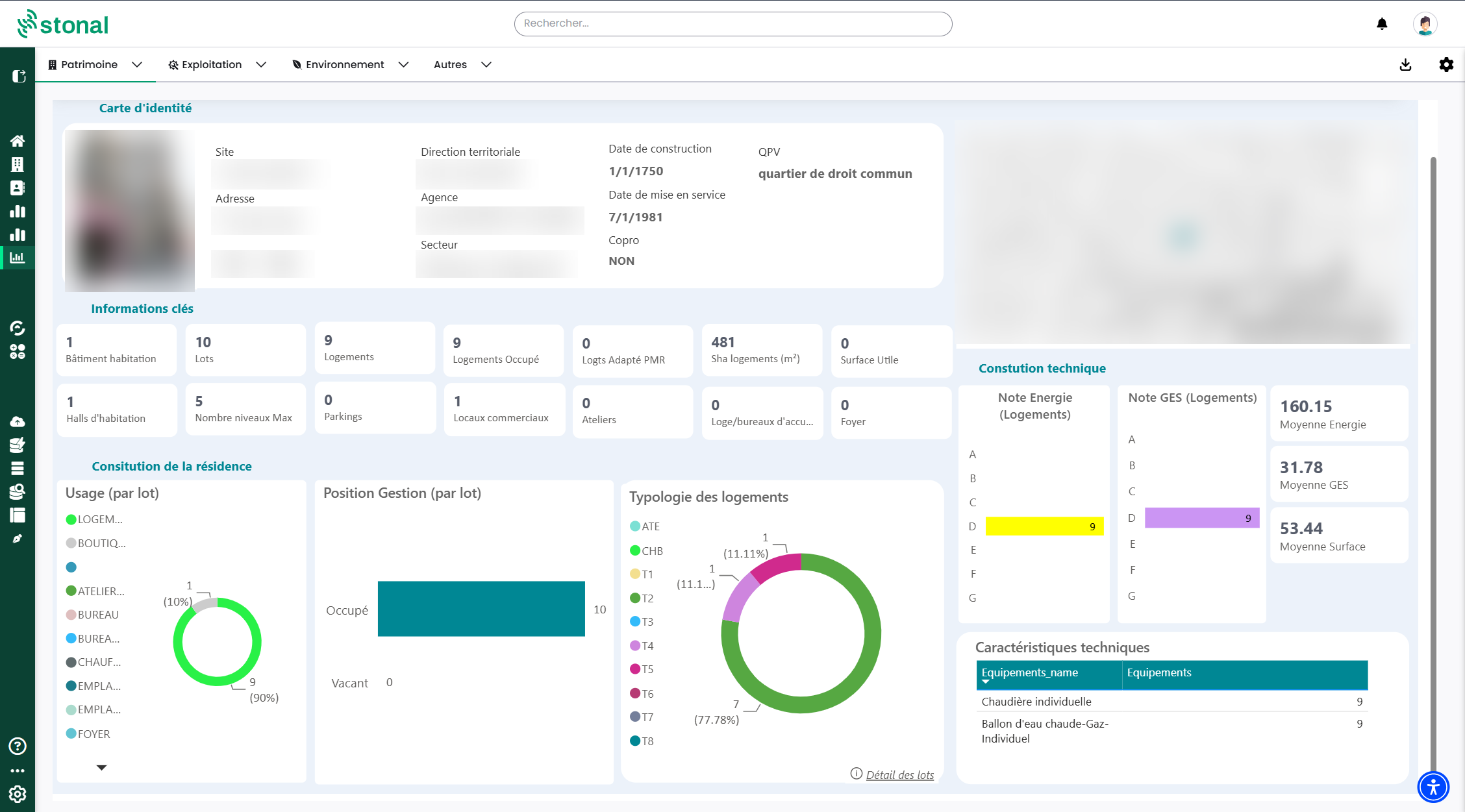
| Property | All the summary information for one property: its technical characteristics, its composition, the summary of its EPCs |
| Dwelling | The finest level: the information for one specific dwelling |
Video tutorial, 1 min 36: the report at the scale of a branch, a property, a building.
Step by step
Go down to the property, then the dwelling
Open the tab for the level you want, then choose your property — or your dwelling — in the filter.
Moving between reports, adjusting the scope, making the report interactive and exporting a table work the same way on every report: analysis reports.
The dwelling record, to pass on to your tenant
Video tutorial, 1 min 16: photo, rooms, energy performance certificate, heating.
This tab only exists in this report for organisations still on Abyla. If yours runs Graphlake, the record is built into the platform itself: The unit record.
At Dwelling level you have all the information for a given dwelling — enough to prepare a letting, for instance.
The "Download" button produces that record as a PDF: it is made to be passed straight to your tenant.
Good to know
Which reports you can reach depends on what was chosen for your organisation. If this one does not appear and would be useful to you, speak to your usual contact.
See also
- Analysis reports — the steps common to every report
- The Compliance report — the survey detail
- General information for a property
- FAQ — Analysis reports — creating a report, missing tabs